If your home electricity tariff is tied to spot prices, there's a chance to save every single day, you just need to know which hour your appliance should run in, and which it shouldn't. The Spotvolt smart plug has several automation modes, and each one is built for a different situation. In this article you'll learn which mode suits your water heater, washing machine, dishwasher or EV charging, and why the right choice can mean real savings every month.
Why are there several modes at all? Wouldn't one be enough?
Different home appliances work differently, and the logic of their energy use isn't the same. A water heater doesn't care which hour it warms the water, what matters is that the water is hot for your morning shower. A washing machine, on the other hand, needs to finish its cycle before you leave for work. That's why one universal "switch on when cheap" solution isn't always enough. You need automation that also understands your daily schedule and the quirks of each appliance.
The Spotvolt system offers several modes for exactly this reason, so every household can find the one that fits their specific situation, without technical knowledge and without constantly checking Nord Pool electricity prices.
What is Cheapest Hours mode, and who is it for?
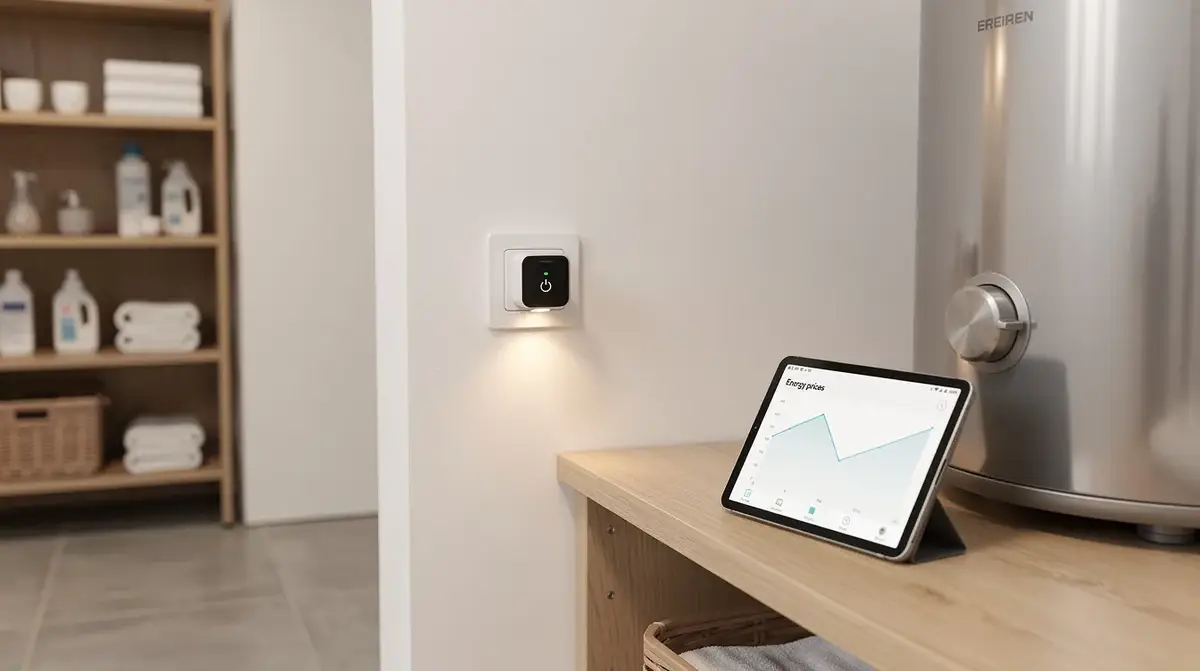
Cheapest Hours mode automatically picks a set number of hours each day when electricity is cheapest, and switches the appliance on exactly then. You don't need to check price charts or set times manually, the system does it for you, based on the next day's prices.
Which appliances is this mode ideal for?
- Water heater: 2-3 of the cheapest night hours are usually enough to heat water for the whole day. Night hours are typically the cheapest, and a water heater makes full use of them.
- Electric radiator or heat pump: If the room holds heat well, you can store heat during cheap hours and use it throughout the day.
- Freezer or a second fridge: Extra cooling during cheap hours brings down the overall bill.
Pro tip: For Cheapest Hours mode, set exactly as many hours as the appliance actually needs, no more. If 2 hours are enough for your water heater, don't set 5, because that reduces the saving effect.
For example, if your water heater uses 2 kWh an hour and runs for 3 hours a day, the daily cost difference between the cheapest night hour and an expensive daytime hour can reach 30 to 60 cents. Over a month that's EUR 9-18, for a single appliance.
What does Cheapest Hours Window mean, and when is it the best choice?
Cheapest Hours Window mode lets you set a specific time interval, for example from 20:00 to 07:00, and within that window the system finds the cheapest hours and switches the appliance on exactly then. Outside that window, the appliance never runs, even if electricity happens to be cheap.
When is this mode better than plain Cheapest Hours?
In cases where you care not just about a cheap run, but also about a specific finish time. A classic example is a washing machine or a dishwasher. You might not want it switching on at 3am and disturbing your sleep, but you also don't want the washing sitting in the machine all day. With a window of "21:00 to 06:00", the system finds the cheapest hours within that exact range. The washing will be done by morning, and the bill will be lower.
- Washing machine: A night window from 22:00 to 06:00 gives you a cheap wash, with the laundry ready by morning.
- Dishwasher: Use an evening window after dinner, convenient and economical.
- EV charging: Setting a window from evening to morning gives you a cheap charge and a full battery by morning.
The right window plus the cheapest hours means the appliance runs when you expect it to, and costs as little as possible.
If you have an appliance with time constraints, when it may and may not run, then Cheapest Hours Window is the smarter choice. It combines the saving with everyday convenience.
When should you use price threshold mode?
In price threshold mode, the appliance switches on automatically only when the electricity price drops below the level you set, for example below EUR 0.10/kWh. If the price is higher, the appliance stays off.
This is an ideal mode for appliances without a strict schedule, ones that can run at any time of day as long as electricity is cheap. It's also a good solution when Nord Pool electricity prices on a given day are highly volatile, for example when wind and solar generation create short windows of very low prices.
Real-life examples
- Water heater with a large tank: If insulation is good and the water heater can hold heat longer, threshold mode lets you take advantage of even unexpectedly cheap hours during the day.
- Air conditioner or heat pump: Pre-cooling or pre-heating rooms while the price is low.
- EV charger: Charging happens only when it's genuinely worthwhile, with no compromise on schedule.
Careful: If you set the threshold too low, the appliance might not switch on at all on a given day, because prices never reach the level you set. Check typical prices in your area before setting a threshold.
What does schedule slot mode offer, and which situations suit it best?
Schedule slot mode lets you set a precise weekly schedule yourself, which days and which hours the appliance runs. It's manually set, but it's an easy-to-manage schedule that repeats automatically.
This mode suits cases where you have a very stable daily routine and want complete control over when the appliance switches on, regardless of price swings. For example, if you know that every weekday at 23:00 the house is quiet and the washing machine can run, you can simply set it and not think about it again.
When is a schedule slot a better choice than price-based modes?
- If your electricity tariff isn't a market-price tariff, but you still want to conveniently automate appliances on a schedule.
- If an appliance has a very specific operating time that never changes.
- If you want extra certainty, knowing exactly that the appliance runs at that time and never any other.
Can you control everything manually?
Yes. In addition to all the automation modes, the Spotvolt system lets you switch an appliance on or off manually at any moment. This is useful in situations where you don't need automation, or when you want to change something quickly.
You can use manual control directly from the Spotvolt dashboard, just log in and the switch happens instantly. No extra configuration is needed.
Pro tip: Manual control also works as a temporary exception. If an automation mode is active but tonight you want to switch the appliance on outside its schedule, switch it on manually, and the system will keep running automatically again the next day.
How do you know how much an appliance actually uses, and whether the saving is real?
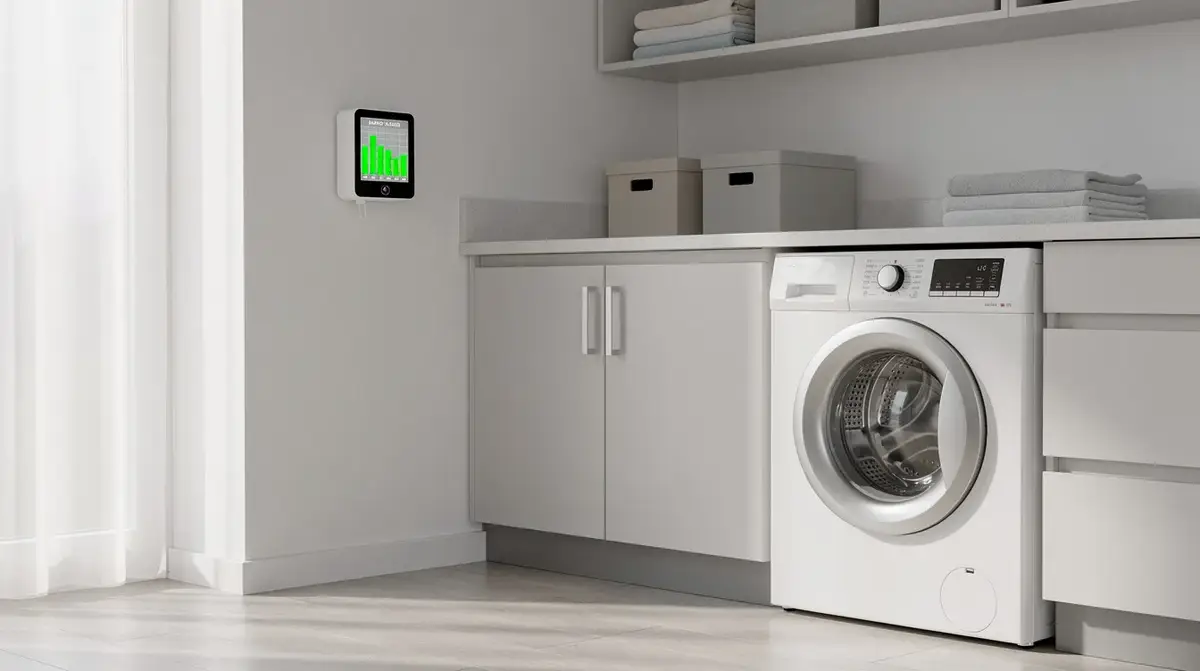
The Spotvolt system shows not just when an appliance runs, but also its actual consumption: the amount in kWh, its run history and cost dynamics. This means that after the first month, you can compare what you paid before and what you pay now.
Consumption data is available directly in the dashboard, and it helps you make better decisions, such as changing the number of hours in Cheapest Hours mode or adjusting the price threshold. It's not just automation, it's also a real insight into your household's electricity costs.
Pro tip: After the first two weeks, check the consumption history and compare it with how many hours the appliance ran at a below-average price. If you see the saving is smaller than you expected, it might be worth adjusting the number of hours you set, or the price threshold.
How do you quickly decide which mode suits your appliance?
A short guide to help you quickly find the solution that suits you:
- Water heater without a strict schedule: Try Cheapest Hours during the night, it's usually the simplest and most effective solution.
- Washing machine or dishwasher: Use Cheapest Hours Window with an evening or night window, the job finishes on time and the price stays low.
- EV charger: Depending on how flexible you are with timing, either Cheapest Hours Window from evening to morning, or Price Threshold if the battery charge can wait.
- Heat pump or radiator: Price Threshold or Cheapest Hours, depending on whether the room holds heat well.
- Appliance with a fixed schedule: Schedule Slot, simple and reliable.
Careful: If your electricity tariff isn't tied to hourly spot prices, the price-based automation modes won't deliver the expected saving. Check your contract with your electricity supplier, to confirm whether it's a variable, or spot, tariff.
If you'd like to see all the available Spotvolt automation options in more detail, visit the Spotvolt features page, where every mode is described with practical examples.
Every household has its own ideal mode, and Spotvolt lets you find it without any technical knowledge. Choose a mode based on the type of appliance and your own schedule, set it once, and the automation takes care of the rest. Start by getting a Spotvolt, and see a real difference in your bill within the first month.
How do you get started, and what should you do on day one?
The Spotvolt smart plug is ready to use as soon as it arrives. You don't need any technical knowledge, plug it in, log in to the dashboard and choose a mode for your appliance. Everything else happens automatically.
On the first day, we recommend:
- Connect the smart plug to your appliance and to the wall socket.
- Go to the Spotvolt dashboard and activate your account.
- Choose the most suitable mode, following the recommendations in this article.
- After a week, check the consumption statistics and confirm everything is working as planned.
That's it. There's no wiring to change, no technical manuals to read, no need to check prices every evening. The Spotvolt system works for you, so your electricity bill is smaller every month.
Good automation isn't the kind that's complicated, it's the kind that simply works. The right mode plus the right appliance equals a smaller bill with no daily effort. If you haven't yet tried the benefits of a spot electricity tariff in practice, Spotvolt is the simplest way to do it.